
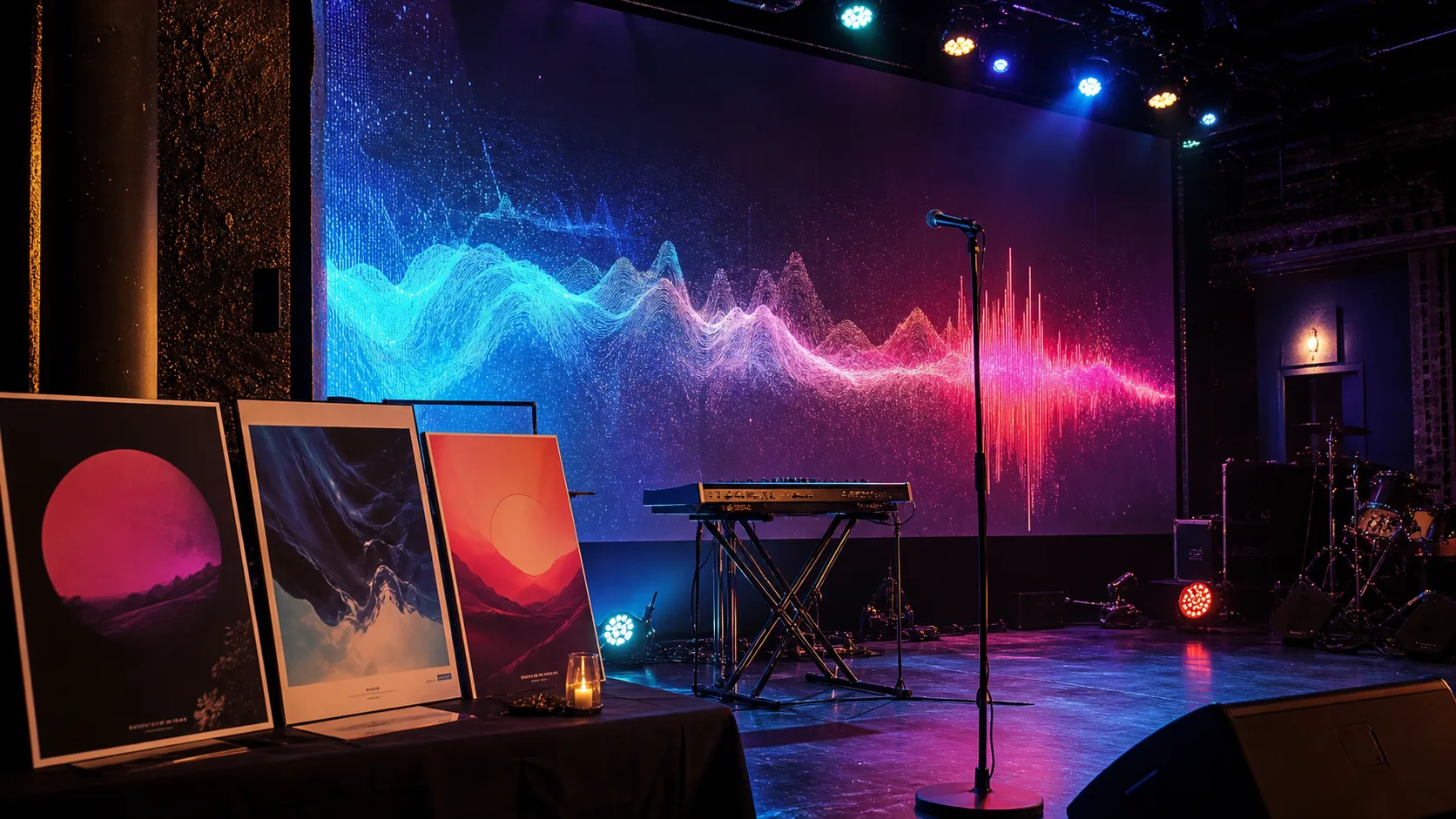
Make Music Visualizers for Song Releases
A practical use case guide for creating music visualizers and AI-powered video loops to support song releases, teasers, and social promotion.
Quick answer: A music visualizer gives a song a visual identity without requiring a full music video. It works best when the motion, color, and pacing match the track instead of simply reacting to the waveform.
A music visualizer is one of the simplest ways to give a song a visual identity. It does not need to be a full narrative music video. It can be a loop, an animated scene, a moving cover artwork, or a short visual mood piece that supports the track.
For independent artists, visualizers are useful because they are faster to make than traditional videos and easier to reuse across platforms.
Who this guide is for
This page is written for artists who need release visuals but not a full video shoot. If you are only looking for a generic AI demo, this is probably more detail than you need. If you are trying to publish music, promote a release, or choose a practical creative workflow, the sections below should help you make a cleaner decision.
When a visualizer makes sense
Use a visualizer when you need:
- a YouTube upload for a new song
- a short teaser before release day
- a looping background for social posts
- a visual asset for a lyric snippet
- a quick alternative to a full music video
- a consistent visual identity for an EP or album
Visualizer content works especially well when the song already has a strong mood but not a detailed story.
Pick a visual anchor
A good visualizer needs one clear visual anchor. This could be:
- the album cover environment
- a performer silhouette
- a market
- a city at night
- a moving abstract texture
- an object from the lyrics
- a symbolic scene
The anchor keeps the video from feeling random.
Match motion to the song
Slow songs usually need gentle motion. Fast songs can handle stronger cuts, camera movement, and rhythmic changes.
Think about:
- tempo
- chorus energy
- mood changes
- beat drops
- lyric moments
A visualizer should support the song, not distract from it.
Prompt example
Create a cinematic music visualizer for a dreamy indie pop song. Show a quiet coastal road at sunrise with soft camera movement, warm light, and subtle motion that follows the rhythm. Keep the mood hopeful and calm. Avoid nightclub visuals, heavy effects, and fast chaotic cuts.Turn one visualizer into several assets
One visualizer can become:
- a full YouTube version
- a 15-second teaser
- a vertical social clip
- a looping background
- a release announcement video
That makes it a practical format for artists who need more content around a release.
Create visualizers with MusicLab
MusicLab can help you explore visual ideas from your song and turn them into music video-style assets.
Create an AI music video with MusicLab
How to make the right choice
Visualizer typeBest forCreative note Album-art loopStreaming promosKeep the cover recognizable Audio-reactive motionElectronic and beat-driven tracksMatch energy without clutter Lyric visualizerSongs with strong linesUse fewer words on screen AI scene loopMood-heavy releasesChoose one world and stay consistentUse this table as a quick filter before spending time on a tool or workflow. The right choice should make the next release easier to finish, not just add another experiment to manage.
FAQ
What is a music visualizer?
A music visualizer is a video or loop that gives a song visual motion without building a full narrative music video.
Are visualizers good for music promotion?
Yes, especially for teasers, YouTube uploads, and short social posts.
Should a visualizer include lyrics?
Only if the lyrics are part of the hook. Too much text can make the clip harder to watch.