
Create AI Music Videos for TikTok and Reels
Learn how musicians and creators can use AI music videos to make short-form clips for TikTok, Instagram Reels, and YouTube Shorts.
Quick answer: AI music videos for TikTok and Reels should be built around the hook, not the full song. The best clips make sense in a few seconds, work vertically, and give viewers a reason to replay or share.
Short-form platforms reward music that has a strong visual hook. A good song can still be ignored if the clip looks unfinished, too static, or hard to understand in the first few seconds.
AI music video tools can help artists create short vertical assets around a release without filming a full production. The goal is not only to make a video. The goal is to make the song easier to notice, save, and share.
Who this guide is for
This page is written for artists creating short-form video assets from a song. If you are only looking for a generic AI demo, this is probably more detail than you need. If you are trying to publish music, promote a release, or choose a practical creative workflow, the sections below should help you make a cleaner decision.
Start with the strongest part of the song
For TikTok, Reels, and Shorts, the first few seconds matter. Start with the hook, chorus, beat drop, or most emotional lyric.
Before generating visuals, choose:
- the 10-20 second section you want to promote
- the main mood of that section
- the visual idea that supports it
- the action you want viewers to take
If the chorus is bright and energetic, the video should not open with a slow dark scene. If the lyric is intimate, the visual should feel close and personal.
Choose a visual format for social clips
Not every short video needs a complex story. For social platforms, clarity beats complexity.
Useful formats include:
- artist performance-inspired clips
- cinematic visualizers
- lyric-driven scenes
- animated cover art
- mood-based loops
- before/after release teasers
Pick one concept and keep it consistent. A clip that tries to show ten unrelated scenes can feel random.
Write a prompt for vertical attention
Short-form prompts should describe visual focus and pacing.
Example:
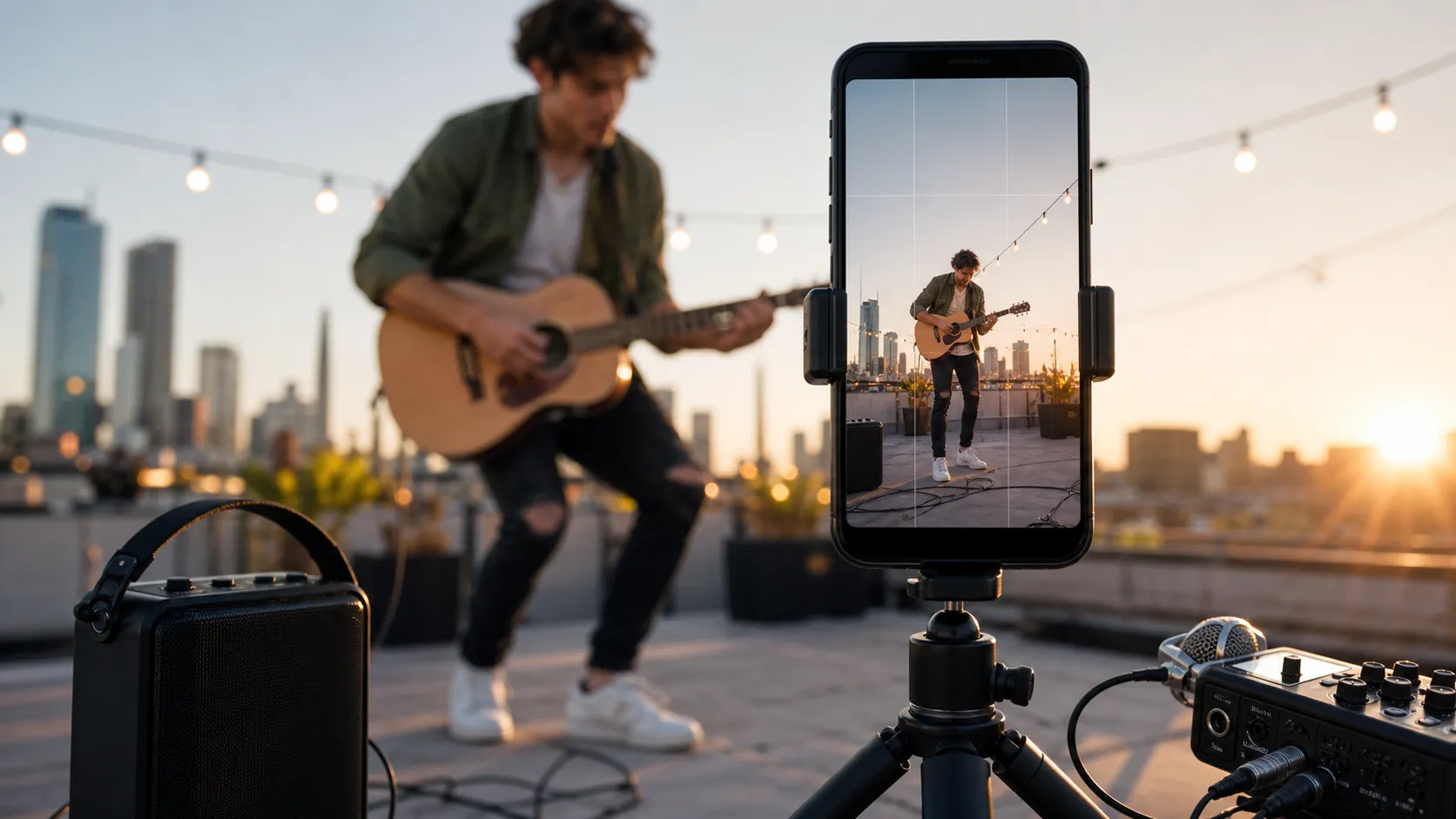
Create a vertical AI music video clip for a high-energy pop chorus. Show a young musician performing in a bright urban rooftop scene at sunset, with fast cuts, warm colors, and a confident mood. Avoid dark nightclub visuals and heavy sci-fi effects.This tells the AI what the clip is for, what energy it needs, and what to avoid.
Make several clips from one song
One song can support more than one short video. You can create:
- a chorus clip
- a lyric teaser
- a visualizer loop
- a release announcement
- a behind-the-song concept clip
- a countdown clip before launch
This gives you more content to test without forcing every post to look the same.
Use MusicLab as a fast visual workflow
MusicLab can help turn a song into visual content quickly, which is useful when you need social assets around a release.
Start with the track, describe the mood and scene, then review the generated video as a creative draft.
Make an AI music video with MusicLab
How to make the right choice
Clip ideaWorks best whenPrompt focus Chorus visualThe hook is catchyEnergy, movement, memorable scene Lyric momentOne line is quotableReadable text and simple background Mood loopThe song has a strong atmosphereColor, location, camera feel Before/after conceptYou can show transformationClear start and end stateUse this table as a quick filter before spending time on a tool or workflow. The right choice should make the next release easier to finish, not just add another experiment to manage.
FAQ
Should TikTok and Reels clips use the whole song?
No. Start with the strongest 7 to 20 seconds.
What format should I export?
Use vertical video for TikTok, Reels, and Shorts unless the platform or campaign needs horizontal.
How many clips should I make from one song?
Start with three to five versions: hook, lyric, mood loop, teaser, and a simple performance-style clip.