
Create AI Music Videos in Minutes With MusicLab
How MusicLab helps creators turn songs into AI music videos quickly, with practical steps for prompts, review, and release-ready clips.
Quick answer: MusicLab is useful when you already have a song and need a visual draft quickly. The best workflow is simple: upload or start from the song, describe the mood, generate a first version, then refine the result for the release channel.
Making a music video used to feel out of reach for many independent creators. You needed a camera, a location, editing software, time, and usually someone who knew how to put everything together.
AI has changed that workflow. With tools like MusicLab, creators can turn a song into visual content much faster, without opening a blank editing timeline.
This guide explains how to create an AI music video with MusicLab, what to prepare before you start, and how to make the final result more useful for social media, music promotion, and creative storytelling.
Who this guide is for
This page is written for creators evaluating MusicLab for fast AI MV creation. If you are only looking for a generic AI demo, this is probably more detail than you need. If you are trying to publish music, promote a release, or choose a practical creative workflow, the sections below should help you make a cleaner decision.
What MusicLab is built for
MusicLab is designed for people who want to create music-driven videos without a complicated production process. It is especially useful for musicians, short-form creators, independent artists, and anyone who wants to turn a song into a more visual experience.
Instead of spending hours editing footage manually, creators can use MusicLab to generate a video direction around a track and then use the result for promotion, sharing, or creative testing.
MusicLab is useful for:
music video concepts
social media clips
song teasers
visual content for new releases
short promotional videos
creative experiments around a track
The best results still come from a clear idea. AI can help generate the video, but the song, mood, and creative direction should come from the creator.
Start creating an AI music video with MusicLab
Step 1: choose the song
Start with the track you want to turn into a video.
Before uploading, make sure the song is the right version. If you are promoting a release, use the final mix or a clean preview version rather than a rough demo. A finished track gives the AI more consistent pacing and helps you judge whether the video fits the song.
Also think about the part of the song you want to highlight. A full track may work well for a longer visual, but a chorus, hook, or short section may be better for TikTok, Reels, or Shorts.
Step 2: decide the visual direction
Do not skip this step. A good AI music video starts with a clear mood.
Ask yourself:
Is the song bright, sad, romantic, energetic, cinematic, or dreamy?
Should the video feel realistic, animated, surreal, or performance-based?
Is the goal a full music video, a teaser, or a social clip?
Do you want the visuals to match the lyrics, the beat, or the overall emotion?
For example, a warm acoustic song may work better with natural light, outdoor scenes, and slower movement. An electronic track may work better with neon color, abstract motion, and faster pacing.
The clearer your direction is, the less random the final video will feel.
Step 3: prepare any images or visual references
If your workflow supports adding images or visual references, choose assets that match the song.
Useful visual materials can include:
artist portraits
album artwork
behind-the-scenes photos
moodboard images
performance shots
visual references for color or style
Try to keep the visuals consistent. If the song has a warm, personal feeling, do not mix it with random futuristic scenes unless that contrast is intentional.
Step 4: generate the video
Once the song and visual direction are ready, use MusicLab to generate the video.
This is where the AI does the heavy lifting. Instead of manually cutting clips to music, the tool helps create music-driven visuals that can be reviewed and used as part of your release content.
When reviewing the result, pay attention to:
whether the mood matches the song
whether the pacing feels natural
whether the opening is strong enough
whether the visuals feel connected instead of random
whether the clip works for the platform where you plan to post it
Do not feel forced to use the first result. Treat the first generation as a starting point, just like a first edit.
Step 5: turn one video into multiple assets
One of the biggest advantages of AI video creation is speed. You do not have to use the final video in only one way.
After generating a music video, you can repurpose it into:
a short teaser
a chorus clip
a vertical social video
a visualizer-style post
a release announcement
a behind-the-song clip
a loop for fan engagement
This is especially useful for independent artists. A single song release needs repeated promotion, and multiple video assets make it easier to post without showing the same clip every time.
Tips for better AI music videos
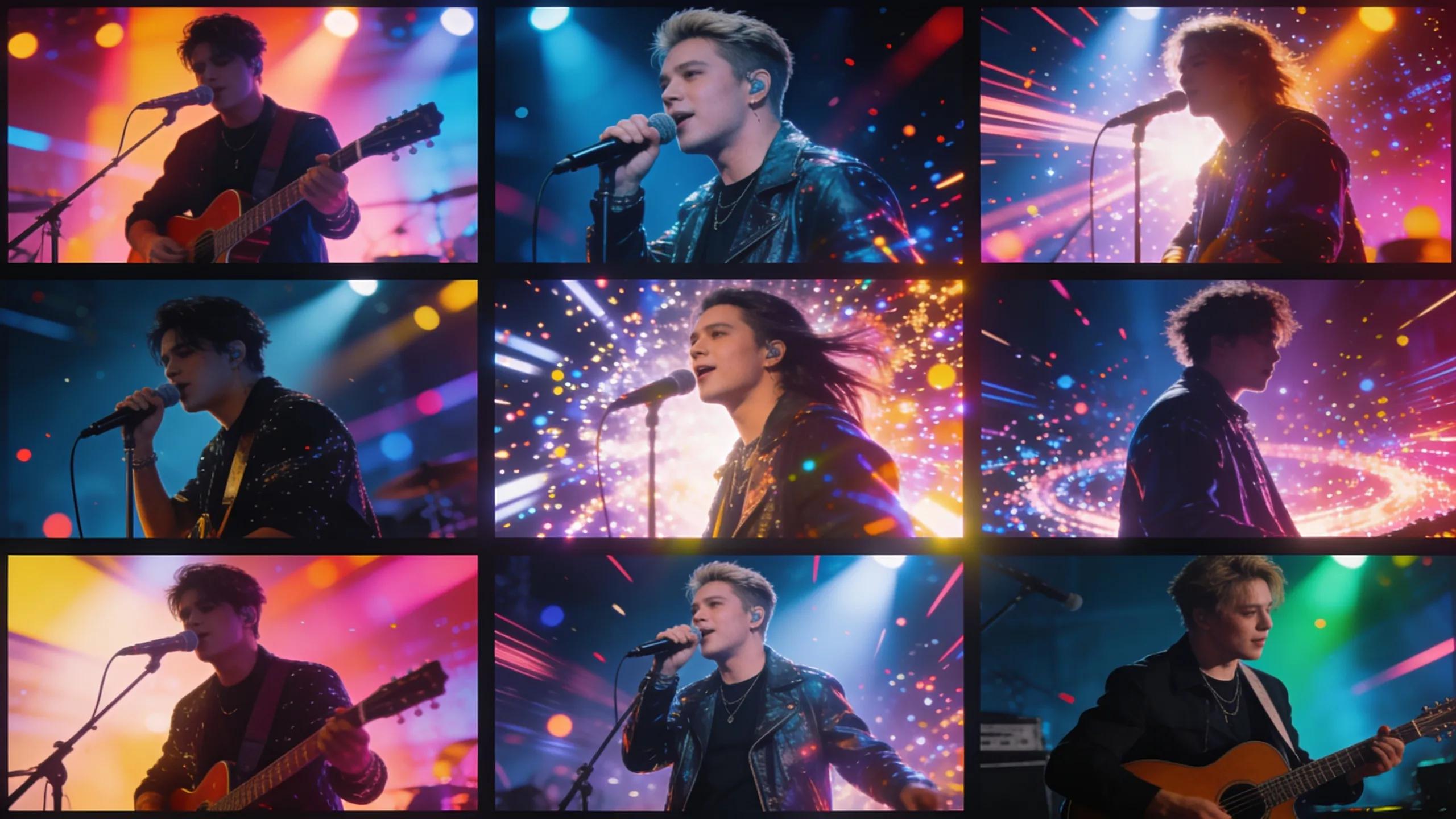
A few small choices can make the result feel much stronger.
Use a clear hook
If you are creating a short social clip, start with the strongest part of the song. The first few seconds matter.
Keep the visual style consistent
Avoid mixing too many unrelated styles in one video. A consistent color palette, setting, or mood makes the video feel more intentional.
Match the format to the platform
Use vertical formats for TikTok, Reels, and Shorts. Use horizontal formats for YouTube, websites, and longer music video pages.
Review before publishing
AI output still needs human judgment. Check for awkward frames, confusing scenes, or visuals that do not match the artist identity.
Add a simple call to action
If the video is for promotion, make the next step clear. That could be listening to the full song, following the artist, watching the full video, or sharing the clip.
How MusicLab helps creators move faster
MusicLab is useful because it reduces the friction between a song and a visual asset. Instead of waiting for a full production cycle, creators can test visual ideas quickly and create videos that support a release campaign.
For musicians and creators, that means:
less time spent on manual editing
more visual content around each song
faster testing of creative directions
easier social media promotion
a more polished presentation for new music
MusicLab works best when creators bring a clear idea and use AI to speed up the production process.
What to avoid
AI video tools are powerful, but they can also make weak ideas look polished. Avoid these common mistakes:
generating a video with no visual direction
using visuals that do not match the song
publishing the first result without review
relying on random scenes with no artist identity
ignoring platform format requirements
using images or references you do not have rights to use
making claims about commercial usage without checking the platform terms
The best AI music videos still feel guided by a person. The AI helps create, but the artist decides what fits.
How to make the right choice
MusicLab workflowWhat to prepareWhat to check Start with musicTrack or song ideaDoes the video match the emotion? Describe the visualMood, scene, style, avoid notesIs the concept clear? Generate draftOne focused promptAre there distracting moments? Use the resultYouTube, TikTok, Reels, teaserDoes the format fit the platform?Use this table as a quick filter before spending time on a tool or workflow. The right choice should make the next release easier to finish, not just add another experiment to manage.
FAQ
What is MusicLab used for?
MusicLab helps creators turn songs and music ideas into AI-generated music videos and visual content.
Can beginners use MusicLab?
Yes. The workflow is designed for creators who do not want to start inside complex editing software.
What makes a MusicLab prompt better?
Specific mood, setting, style, lighting, pacing, and avoid notes usually produce a stronger result.