
AI Music Video Creation for Independent Artists
How independent artists can use AI music video creation for song promotion, release assets, and visual storytelling without a full production crew.
Quick answer: AI music video creation gives independent artists a way to make visual assets without waiting for a full production cycle. It works best when the artist starts with a clear release goal: a full video, a teaser, a visualizer, or several short clips.
Independent artists have to do much more than release a track. A song now needs short clips, cover visuals, teasers, behind-the-scenes posts, lyric assets, and a steady stream of content for TikTok, Instagram, YouTube Shorts, and other platforms.
That is a lot to ask from one person or a small team.
AI music video tools can help by making visual content easier to create. They do not replace taste, direction, or an artist's identity, but they can reduce the time between "I need a video for this song" and "I have something I can post."
For independent musicians, that speed can help. A polished visual clip can help a song feel more complete, give fans something to share, and make a release campaign look more intentional even without a large production budget.
Who this guide is for
This page is written for independent artists planning a release on a limited budget. If you are only looking for a generic AI demo, this is probably more detail than you need. If you are trying to publish music, promote a release, or choose a practical creative workflow, the sections below should help you make a cleaner decision.
Why AI music videos matter for independent artists
Music promotion has become visual. Listeners often discover songs through short videos before they ever visit a streaming platform. A strong visual can make someone stop scrolling long enough to hear the hook, remember the artist, or save the track for later.
AI-generated music videos are useful because they help artists create more visual material around a song without needing a full production team. Instead of filming every idea, creators can test different moods, styles, and visual concepts quickly.
For an independent artist, that can mean:
more content for a release campaign
faster testing of visual ideas
lower production costs
more consistent posting
stronger visual identity around a song
a way to promote music even without access to a film crew
The goal is not to make every video look expensive. The goal is to make the song easier to notice, understand, and share.
Start with the song, not the tool
One mistake artists make is opening an AI video tool before they know what the song needs visually.
Before generating anything, ask a few simple questions:
What is the mood of the song?
What emotion should the video carry?
Is the track better suited to performance, story, abstract visuals, or a cinematic scene?
Where will the video be posted?
Do you need a full music video, a teaser, or a short loop?
A slow emotional track may need softer pacing and more intimate visuals. A high-energy pop or electronic song may work better with bold color, quick motion, and stronger rhythm. A darker rap or rock track may need a more dramatic tone.
The AI tool can generate visuals, but the direction should still come from the artist.
Use AI videos across the release campaign
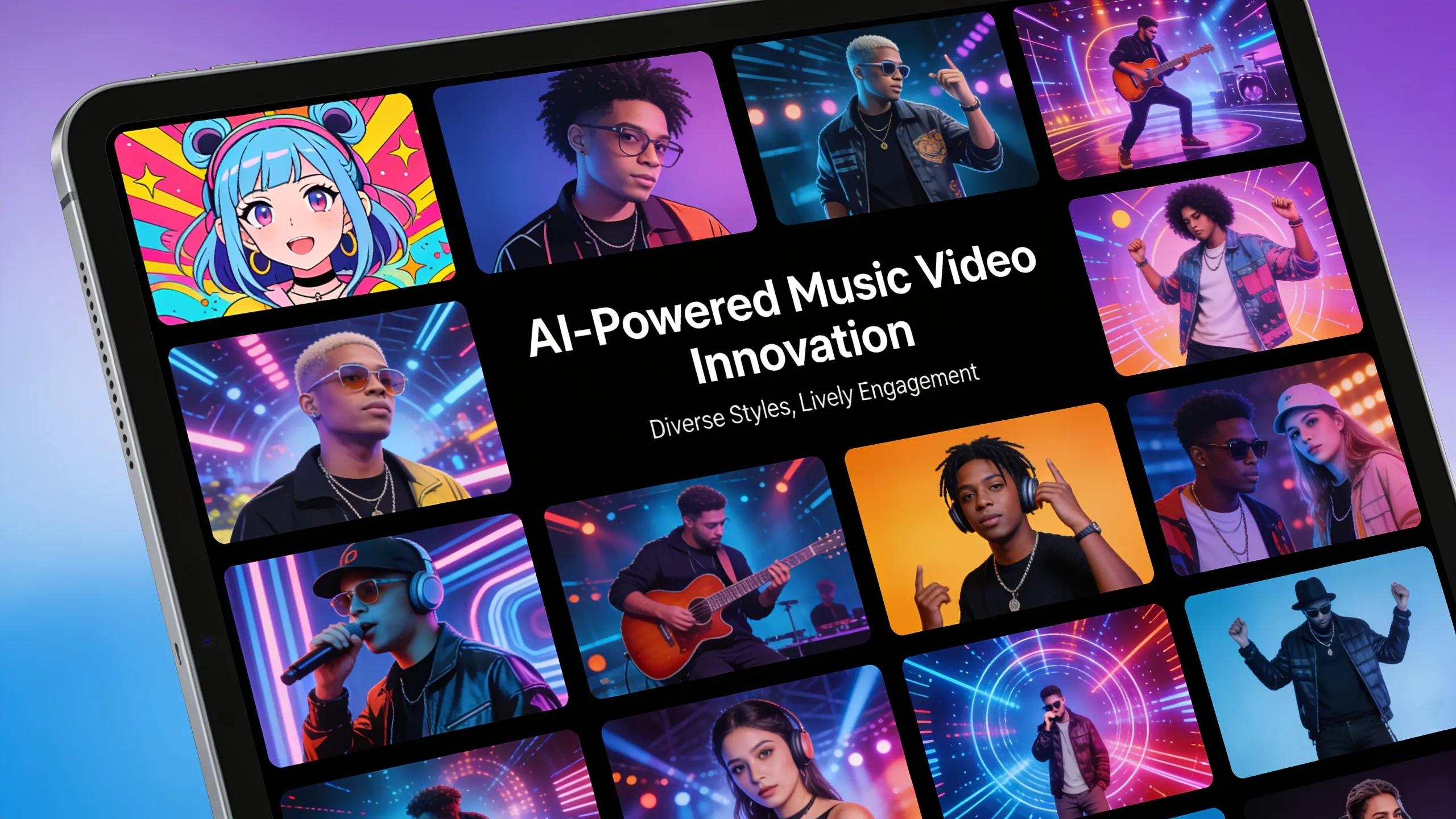
An AI music video does not have to be one final asset. The same visual direction can support an entire release.
For example, an independent artist can create:
a 10-second teaser before release day
a short vertical clip for TikTok and Reels
a YouTube Shorts version of the hook
a looping visual for Spotify Canvas-style promotion
a longer visualizer for YouTube
a post-release clip highlighting fan reactions or lyrics
This is where AI tools are especially practical. Instead of creating one video and stopping, artists can produce multiple visual assets around the same song.
That matters because one post is rarely enough. A release usually needs repetition. Different clips let the artist promote the same song without posting the exact same video every time.
Match the visual style to the music
The strongest AI music videos usually feel connected to the song. The visuals do not need to explain every lyric, but they should match the tone.
Here are a few simple directions artists can use:
Music Style
Possible Visual Direction
Pop
bright colors, fashion-inspired scenes, fast social clips
R&B
soft lighting, close-up emotion, intimate atmosphere
Hip-hop
bold framing, street-inspired visuals, performance energy
Electronic
abstract motion, neon color, rhythm-driven visuals
Rock
contrast, grit, live-performance feeling, dramatic scenes
Acoustic
natural light, simple storytelling, warm textures
These are not rules. They are starting points. The important thing is consistency: if the song feels personal, the video should not look random; if the track is energetic, the video should not feel slow and flat.
Keep the artist identity visible
 AI-generated visuals can become generic if the creator does not guide them. Independent artists should use AI as a production assistant, not as the whole creative identity.
To keep the video connected to the artist, include elements such as:
a consistent color palette
recurring visual symbols
a recognizable outfit or portrait style
a mood that matches the artist's brand
typography that fits the release artwork
visual references from the single or album cover
If every AI video looks like it could belong to anyone, it will not help the artist build recognition. The video should feel like part of the artist's world.
Turn one music video into several social assets
A full AI music video can help, but short clips often do more promotional work.
After creating a video, cut it into smaller assets:
6-8 second hook clip
15-second chorus clip
vertical teaser
lyric highlight
loopable visual
before/after creation post
"new song out now" release clip
Each version should have a clear job. A teaser builds curiosity. A hook clip makes people hear the strongest part of the song. A lyric clip makes the message easier to remember. A loopable visual keeps the track present without needing a full video each time.
This approach also helps artists avoid burning all their effort on one piece of content.
What to track after posting
AI music videos should be judged by more than views. A video with fewer views but strong saves, comments, or profile clicks may be more useful than a clip that gets passive impressions.
Track metrics such as:
watch time
replay rate
saves
shares
comments
profile visits
streaming link clicks
follower growth after the post
If a clip gets strong watch time but weak clicks, the visual may be engaging but the call to action needs work. If people skip quickly, the opening may not be strong enough. If one visual style gets more saves than another, use that information for the next post.
The best release campaigns learn from each clip.
Common mistakes to avoid
AI video tools can help, but they can also make bad creative choices faster.
Avoid these mistakes:
using visuals that do not match the song
publishing the first generation without review
relying on random AI scenes with no artist identity
making every post look the same
ignoring vertical formats for social platforms
using copyrighted or celebrity-like imagery
assuming AI output is automatically cleared for commercial use
forgetting to add a clear call to action
The most useful AI videos still need human judgment. Artists should review the output, choose the best moments, and make sure the final clip supports the song.
How MusicLab can help
MusicLab is built for creators who want a simpler way to turn music into visual content. For independent artists, it can help when a song needs promotional visuals but there is no time or budget for a full video production process.
With an AI music video workflow, artists can test ideas faster, create social-ready clips, and build a more visual release campaign around a track.
MusicLab is especially useful for:
creating visuals for a new single
testing a music video direction before investing more time
making short-form music clips for social platforms
giving fans something visual to share
building a stronger visual identity around a song release
The key is to treat AI video as part of the release strategy, not only as a one-time experiment.
Create an AI music video with MusicLab
How to make the right choice
Release goalBest AI video assetWhy it helps Announce the songShort teaserCreates a quick first impression Support the main releaseFull AI MV or visualizerGives fans something to watch Keep postingAlternate short clipsExtends the release window Pitch the moodConcept videoShows the world around the songUse this table as a quick filter before spending time on a tool or workflow. The right choice should make the next release easier to finish, not just add another experiment to manage.
FAQ
Why should independent artists use AI music video creation?
It lowers the barrier to making visual assets for releases, especially when a full video shoot is not realistic.
Does AI video work for every genre?
It can work for many genres, but the prompt and visual direction should match the song.
What should artists review before publishing?
Check whether the video matches the song's mood, avoids distracting visuals, and works in the intended format.