
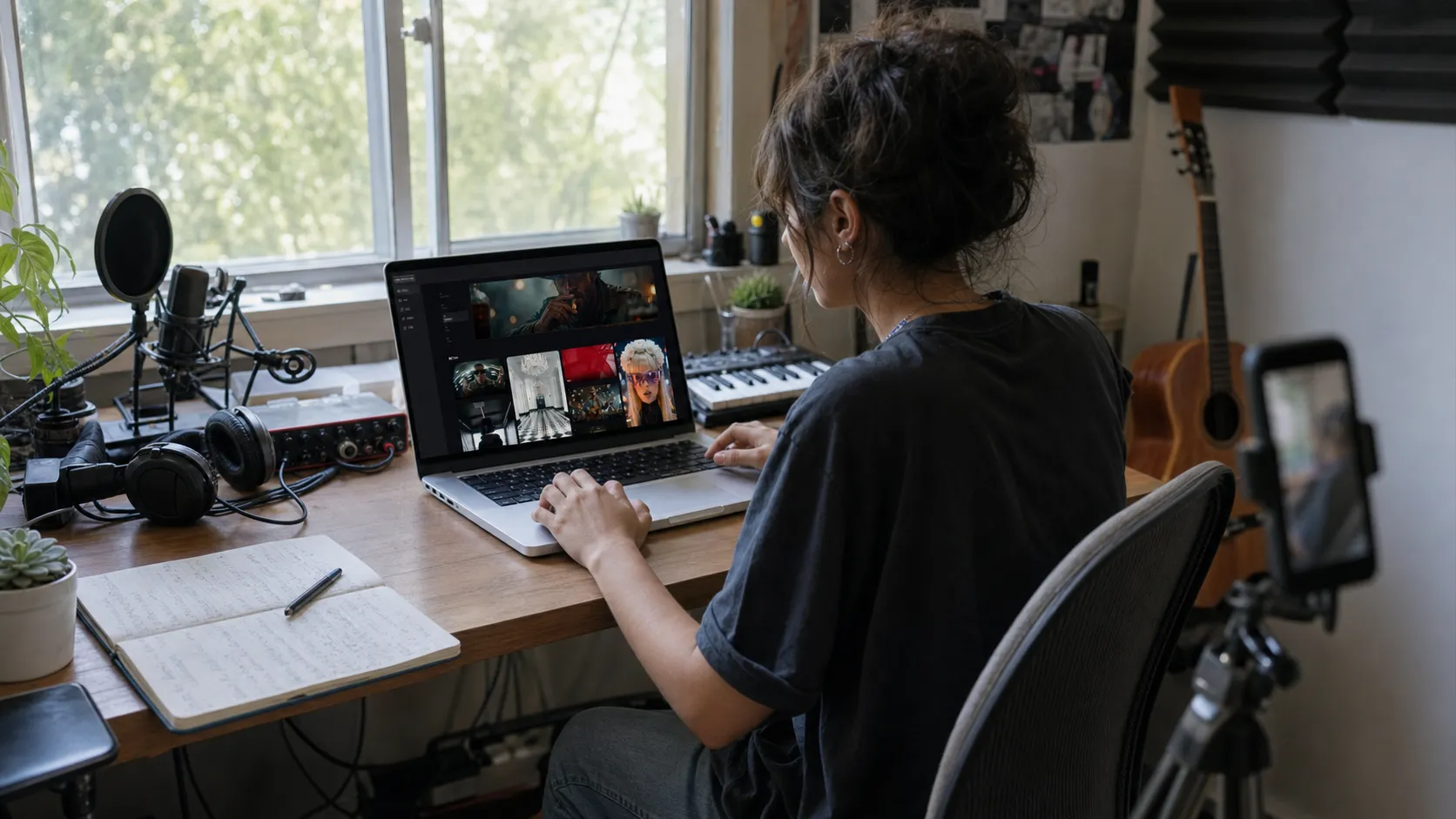
How Independent Artists Can Create Music Videos Without Editing Skills
How independent artists can make a music video without editing skills by using AI tools, clear prompts, review passes, and simple release cuts.
Quick answer: You can make a music video without editing skills if you treat the process like guided creation rather than manual editing. Choose the song section, describe the visual idea, generate a draft, review it, and export the versions you need for release.
For many independent artists, making a music video is harder than writing the song. The music may be finished, the cover art may be ready, and the release date may be close, but the visual side still feels unfinished.
Traditional video production can be expensive and slow. You may need a camera, a location, lighting, editing software, and someone who knows how to put everything together. That is not realistic for every independent musician, especially when every song release also needs short clips for social media.
AI music video creators make this process easier. They help artists turn a song into visual content without learning complex editing software. The result does not have to replace every traditional music video, but it can give artists a faster way to create teasers, visualizers, release clips, and music-driven videos.
This guide explains how independent artists can use an AI music video creator, what to prepare before generating a video, and how to make the final result feel more intentional.
Who this guide is for
This page is written for independent artists who do not use editing software. If you are only looking for a generic AI demo, this is probably more detail than you need. If you are trying to publish music, promote a release, or choose a practical creative workflow, the sections below should help you make a cleaner decision.
What is an AI music video creator?
An AI music video creator is a tool that helps generate video content from music, images, prompts, or visual direction. Instead of manually editing every clip, creators can use AI to build visuals that match the mood or energy of a track.
For independent artists, the main benefit is accessibility. You do not need to be a professional editor to start creating visual content around a song.
An AI music video creator can help with:
song teasers
short social media clips
visualizers
lyric-style videos
release promotion assets
creative music video concepts
early visual testing before a larger production
The best results still require human direction. AI can generate the video, but the artist should decide the mood, story, style, and purpose.
Step 1: choose the right song or song section
Start by deciding what part of the song you want to turn into a video.
For a full music video, use the complete track. For short-form promotion, choose the strongest section: the hook, chorus, drop, or most memorable lyric.
This matters because different platforms reward different types of content. A full horizontal video may work for YouTube, while a 10-15 second vertical clip may work better for TikTok, Reels, or Shorts.
Before uploading, make sure the song version is final enough to promote. A rough demo can still be used for testing, but a finished mix will give you a better sense of how the visuals fit the release.
Step 2: define the visual mood
Do not start with random generation. Start with a mood.
Ask yourself:
Is the song emotional, bright, dark, dreamy, romantic, or energetic?
Should the video feel realistic, cinematic, animated, or surreal?
Is the focus performance, storytelling, atmosphere, or social media impact?
Should the visuals follow the lyrics or simply match the feeling of the song?
A warm acoustic track may fit natural light, close-up emotion, and outdoor scenes. A high-energy electronic song may fit bold colors, fast movement, and abstract visuals. A moody R&B track may need softer lighting and slower pacing.
The more specific your direction is, the less generic the output will feel.
Step 3: prepare visual references
If the tool supports images or references, prepare assets that represent the artist's identity.
Useful references can include:
artist portraits
album artwork
behind-the-scenes photos
moodboard images
color references
screenshots from previous videos
visual references from the release campaign
Try to avoid mixing too many unrelated styles. A video with one clear visual direction usually feels stronger than a video that jumps between random looks.
Step 4: generate a first version
Once the song, section, and visual direction are ready, generate the first version.
Think of this as a draft, not the final answer. Review it the way you would review a rough edit.
Look for:
whether the opening catches attention
whether the visuals match the song's mood
whether the pacing feels right
whether the result fits the platform
whether any scene feels awkward or off-brand
whether the video feels like it belongs to the artist
If the first version feels close but not quite right, adjust the direction and try again. The goal is not to accept whatever the AI gives you. The goal is to use AI to reach a usable visual direction faster.
Step 5: create different versions for different platforms
One video can become several promotional assets.
For example, from one music video concept, an artist can create:
a vertical teaser for TikTok
a chorus clip for Instagram Reels
a short YouTube Shorts version
a horizontal visualizer for YouTube
a release-day announcement clip
a looping visual for fan engagement
This is especially useful for independent artists because release promotion needs repetition. Different clips let you promote the same song multiple times without reposting the exact same asset.
Step 6: add context before posting
The video is only one part of the promotion. The caption, thumbnail, and call to action also matter.
Before posting, prepare:
a short caption
the song title
a link or release mention
a simple call to action
relevant hashtags if the platform uses them
a clear thumbnail or opening frame
Examples of simple calls to action:
"Listen to the full track now."
"Save this if it fits your mood."
"New song out now."
"Watch the full version."
"Which visual style should I use next?"
The best music video clip should make people want to hear more of the song.
Where MusicLab fits in
MusicLab is useful for creators who want to make AI music videos without building a complicated editing workflow. It gives independent artists a way to move from a song to visual content more quickly, which is helpful when planning a release campaign or testing visual ideas.
MusicLab can be used to create:
AI music video concepts
song teasers
social media clips
visual content for new releases
music-driven creative assets
It is especially helpful for artists who do not have editing experience but still want their music to have a stronger visual presence.
Create an AI music video with MusicLab
Common mistakes to avoid
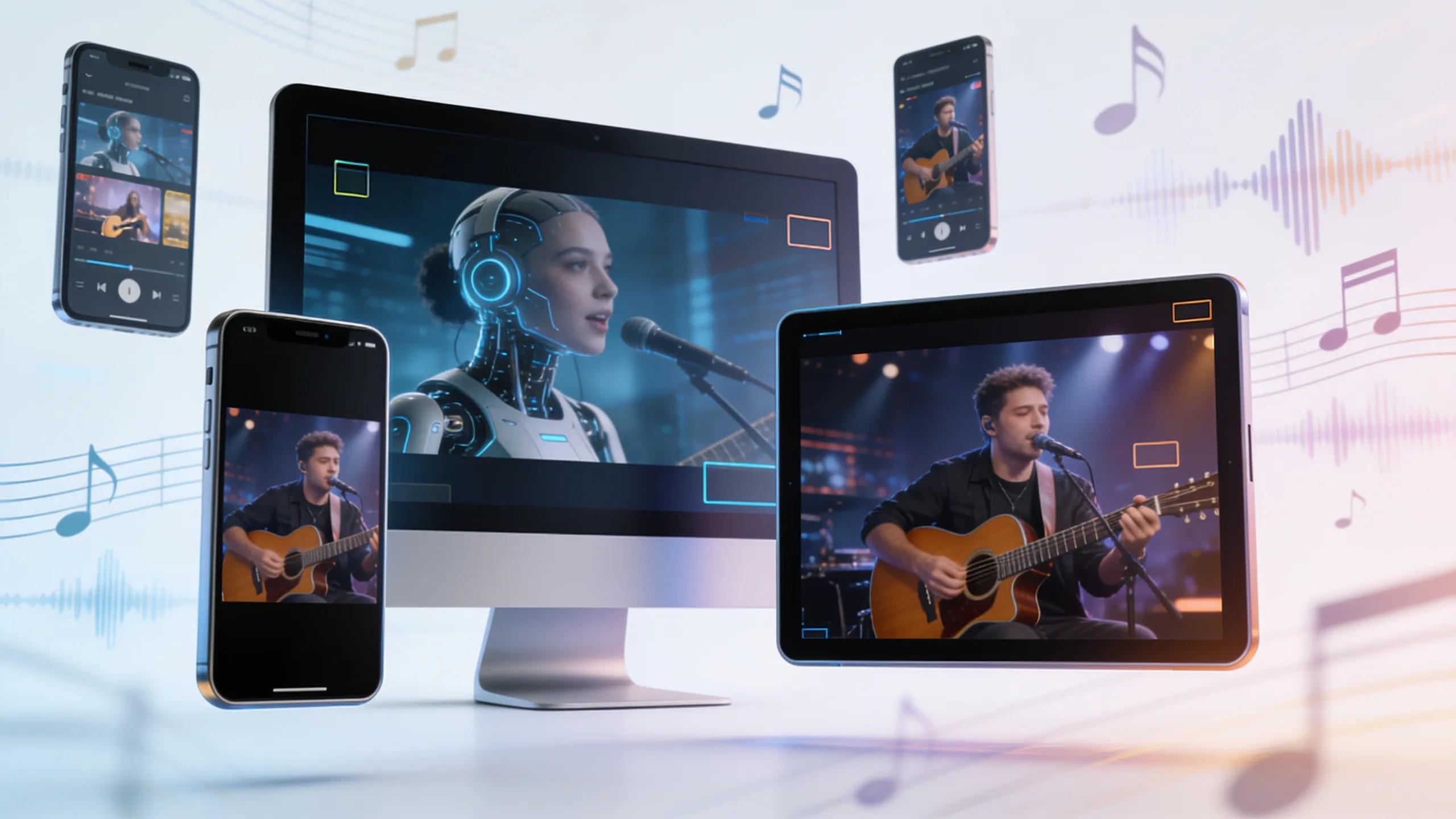
AI music video tools are powerful, but they still need direction. Avoid these common mistakes:
using visuals that do not match the song
publishing the first generation without review
choosing a style only because it looks trendy
ignoring vertical formats for social media
using references you do not have rights to use
making every release look visually unrelated
forgetting to add a call to action
The strongest AI music videos feel intentional. They should support the artist's sound, not distract from it.
What independent artists should check before publishing
Before posting or releasing an AI-generated music video, check:
Does the video match the song's mood?
Is the opening strong enough for social media?
Does the visual style fit the artist identity?
Is the format right for the platform?
Are there any awkward frames or distracting details?
Do you have the rights to use the music and any uploaded images?
Does the tool's license allow your intended use?
This final review is important. AI can speed up creation, but the artist is still responsible for what gets published.
How to make the right choice
StageWhat you doWhat not to do PlanPick one clear conceptMix five unrelated visual styles GenerateUse a specific promptAsk for a vague cool video ReviewCheck mood, pacing, and distracting shotsPublish the first draft blindly ReleaseExport full and short versionsUse one format everywhereUse this table as a quick filter before spending time on a tool or workflow. The right choice should make the next release easier to finish, not just add another experiment to manage.
FAQ
Do I need editing skills to make an AI music video?
No. You still need taste and review, but you do not need to cut footage manually.
What is the easiest music video format for beginners?
A mood-based visualizer or simple concept video is usually easier than a complex story.
Can I use the same AI video on every platform?
You can, but separate horizontal and vertical versions usually work better.