
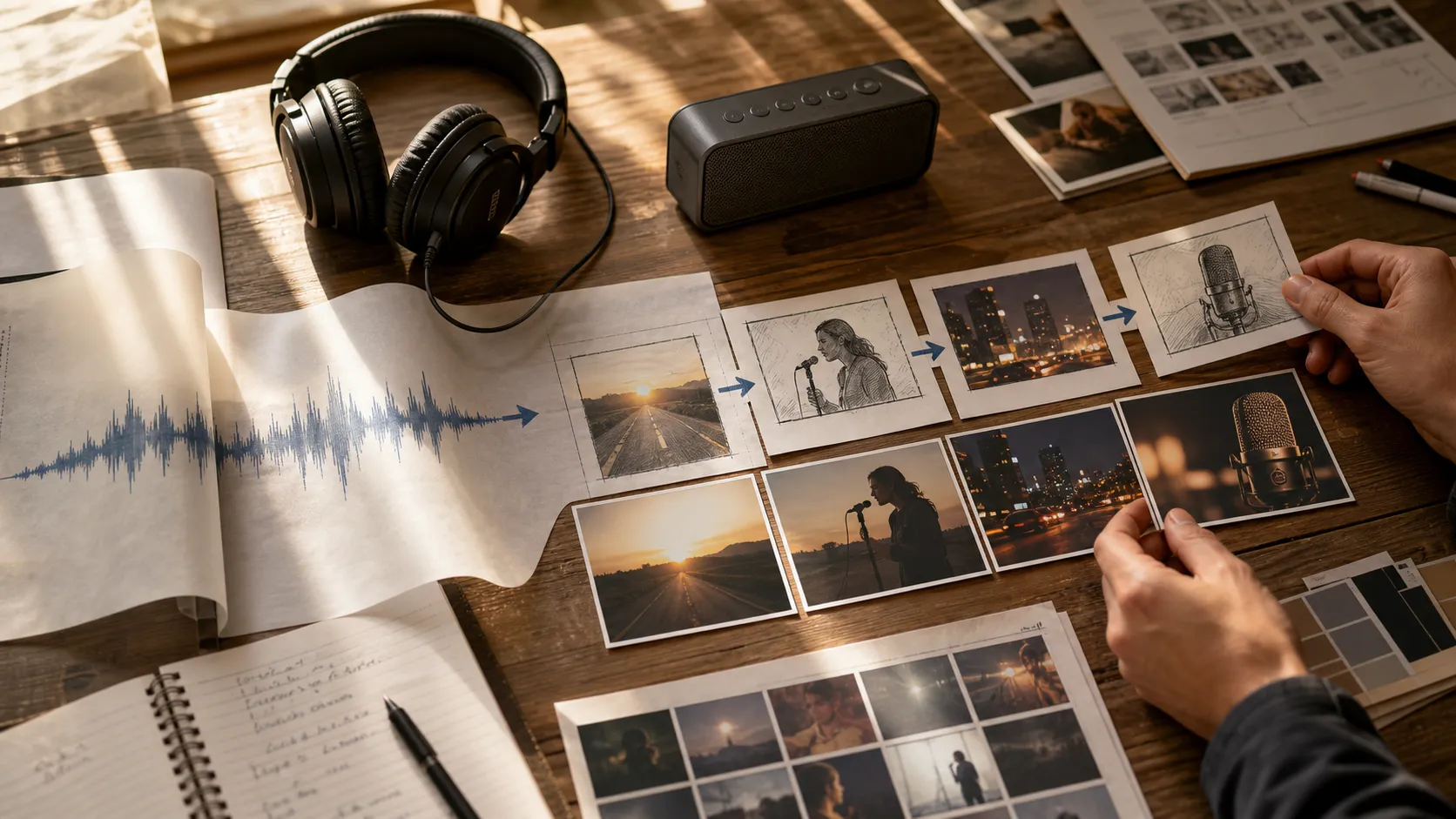
How to Create an AI Music Video from a Song
A step-by-step guide to creating an AI music video from a song, including concept planning, prompts, drafts, revisions, and release assets.
Quick answer: To create an AI music video from a song, start with the song's mood and release goal, then choose a visual format, write a specific prompt, generate a draft, and refine it into assets for YouTube and social platforms.
A finished song does not always need a full video shoot. Sometimes that is still the right move. Other times, you just need a visual direction good enough to test, post, and build around.
AI music video tools can build a visual version of a song from your audio, lyrics, mood, and creative direction. The result does not need to feel like a random visualizer or a generic template. With a clear concept, a good prompt, and a few careful review passes, you can create a music video that supports the emotion of the track and gives fans something more memorable to watch.
Who this guide is for
This page is written for artists turning a finished track into release visuals. If you are only looking for a generic AI demo, this is probably more detail than you need. If you are trying to publish music, promote a release, or choose a practical creative workflow, the sections below should help you make a cleaner decision.
Start with the song, not the tool
Before opening any AI music video generator, listen to the song from beginning to end and write down what the track is actually doing.
You do not need a full treatment yet. You only need a few simple notes:
- What is the mood of the song?
- Is it intimate, cinematic, energetic, nostalgic, dark, playful, or romantic?
- Does the song feel more realistic or more surreal?
- Is there a clear character, place, memory, or story inside the lyrics?
- What should the viewer feel in the first 10 seconds?
This matters because AI tools respond better to direction than vagueness. "Make a cool music video" is too broad. "A lonely singer walking through an empty coastal town at sunrise, with soft cinematic shots and a hopeful mood" gives the tool something to build around.
Choose the type of music video you want
Not every song needs the same kind of video. Before generating anything, decide what format fits the release.
Performance-inspired video
This works when the artist identity matters. The video may show a singer, producer, DJ, guitarist, or fictional performer in a studio, on stage, or in a cinematic environment.
Use this direction when the song is personal and you want the viewer to connect with a performer.
Story-driven video
This works for songs with strong lyrics or emotional themes. The video can follow a character, a relationship, a journey, or a visual metaphor.
Use this direction when the song feels like a short film.
Visualizer-style video
Use this for releases where you need a polished visual quickly, but do not need a complex story. It can include abstract motion, landscapes, animated album art, or rhythmic visual effects.
Use this direction for lyric videos, social clips, previews, and streaming platform promotion.
Concept video
This is the most flexible format. It can be surreal, symbolic, fashion-inspired, futuristic, dreamy, or experimental.
Use this direction when the song has a strong aesthetic but no literal story.
Prepare your audio and basic creative notes
For the best results, start with the cleanest version of your song available. A final master is ideal, but a strong demo can also work if you are still testing visual ideas.
Prepare:
- The song file
- The song title
- Artist name
- Genre
- Mood
- Lyrics, if available
- A short description of the visual idea
- Any scenes or styles you want to avoid
If the lyrics mention specific places, objects, or emotions, pull those out as visual anchors. A line about "driving through the rain" might become a rainy night road scene. A chorus about "starting over" might become sunrise, open space, or movement from darkness into light.
Write a prompt that gives clear visual direction
A strong prompt does not need to be long, but it should be specific. Think of it as a creative brief for the video.
A useful prompt usually includes:
- Main subject
- Setting
- Visual style
- Camera mood
- Color palette
- Emotional tone
- Relationship to the song
Here is a simple structure:
Create an AI music video for a [genre] song with a [mood] feeling. The video should show [main subject] in [setting]. Use a [visual style] look with [colors / lighting]. The camera should feel [cinematic / intimate / energetic / dreamy]. Avoid [things you do not want].Example:
Create an AI music video for an emotional indie pop song with a hopeful but nostalgic feeling. The video should follow a young musician walking through quiet city streets at sunrise. Use soft cinematic lighting, warm colors, gentle camera movement, and realistic scenes. Avoid nightclub visuals, heavy sci-fi effects, and cartoon styles.That is already much stronger than a generic prompt because it gives the AI a world to create.
Generate the first version
Once your song and prompt are ready, upload or select the audio in your AI music video tool and generate a first version.
The first result should not be treated as final. Think of it as a visual draft. You are checking whether the direction feels right, not whether every second is perfect.
When reviewing the first draft, ask:
- Does the opening match the song mood?
- Does the visual style feel right for the genre?
- Are the scenes too random?
- Does the video support the chorus or strongest part of the track?
- Are there any visuals that feel off-brand or distracting?
If the direction is wrong, do not try to fix every small detail. Rewrite the prompt and generate again. If the direction is mostly right, make smaller adjustments.
Refine the video with specific feedback
Good AI video results usually come from iteration. The trick is to change one or two things at a time instead of rewriting the whole idea every round.
Useful refinement instructions include:
- Make the lighting brighter and more natural.
- Keep the same realistic style, but add more close-up shots.
- Make the video feel more energetic during the chorus.
- Reduce abstract effects and focus more on the musician.
- Add more outdoor scenes and less studio footage.
- Keep the warm color palette, but make the pacing faster.
Avoid vague feedback like "make it better" or "more professional." A tool can respond much more clearly to "use more daylight, fewer dark scenes, and a more hopeful mood."
Match the video to your release plan
After you have a strong music video, think about where it will be used.
For YouTube, you may want a full horizontal version with a clear title, thumbnail, and description.
For TikTok, Reels, and Shorts, you may want shorter vertical clips built around the hook or chorus.
For Spotify Canvas-style promotion or teaser content, you may only need a short looping section with strong motion and a recognizable mood.
One song can produce several useful assets:
- Full music video
- 15-second chorus clip
- Vertical teaser
- Visualizer loop
- Behind-the-song promo clip
- Release announcement post
This is where AI video becomes especially useful for independent artists. You are not only making one video; you are creating a small visual campaign around the song.
Use MusicLab when you want a faster song-to-video workflow
MusicLab is designed for creators who want to turn music into visual content without building a full editing pipeline from scratch. Instead of starting with a blank timeline, you can focus on the song, the mood, and the visual direction.
If you already have a track ready, you can start from the music itself, describe the type of video you want, and review the generated result as a creative draft. That makes it easier to test ideas for a release, create promotional visuals, or build a music video when you do not have time for a traditional production process.
You can start from the MusicLab AI MV creation page here:
Create an AI music video with MusicLab
Common mistakes to avoid
Using prompts that are too generic
If the prompt only says "make a music video," the result will usually feel generic. Add mood, setting, subject, and visual style.
Choosing visuals that do not match the song
A fast electronic track and a quiet acoustic ballad need different pacing, lighting, and camera movement. Let the song lead the visual direction.
Trying to include too many ideas
One clear concept is usually stronger than ten unrelated scenes. If the video jumps between too many styles, it can feel like a random montage.
Publishing the first draft too quickly
AI makes video creation faster, but review still matters. Watch the full result, check the emotional fit, and make at least one refinement pass.
How to make the right choice
StepWhat to decideOutput 1Mood and visual worldCreative direction 2Video typePerformance, story, visualizer, or concept 3PromptSubject, setting, style, lighting, avoid notes 4ReviewWhat works and what distracts 5ExportFull video and short clipsUse this table as a quick filter before spending time on a tool or workflow. The right choice should make the next release easier to finish, not just add another experiment to manage.
FAQ
Can I create an AI music video from any song?
In most cases, yes, if you have the right to use the song and can provide clear creative direction.
What should I prepare before generating?
Prepare the audio, lyrics if available, genre, mood, visual idea, and things to avoid.
How many drafts should I make?
Plan for at least two or three drafts. The first result is usually a direction check.